AI Quiz Generator for Course Creators & E-Learning — Engage Your Audience
Turn your blog posts, YouTube videos, or course material into interactive quizzes. Embed in your LMS, share on social media, or add to your online course.
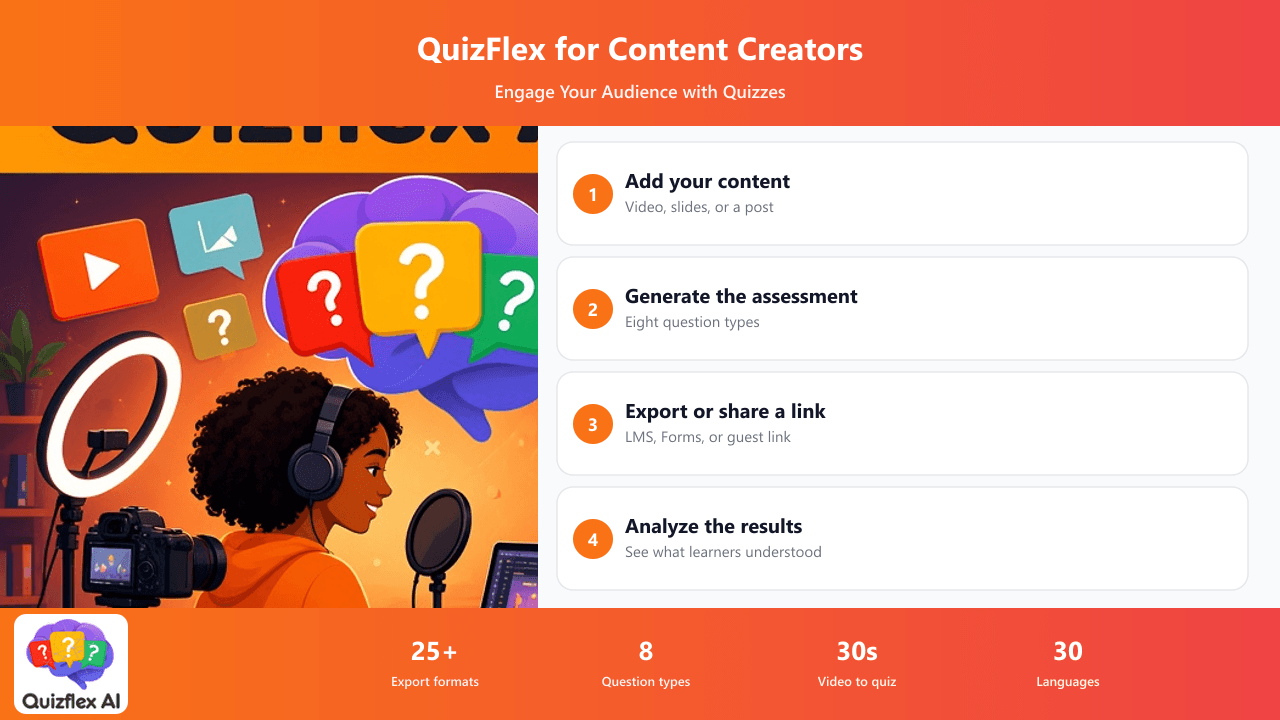
The Challenges Content Creators Face
Sound familiar? QuizFlex AI solves each of these problems.
Students don't engage with passive content
Video completion rates drop 80% after the first module. Without interaction, learners zone out and retention plummets.
Assessment creation is a bottleneck
You spend 10 hours creating course content and 5 more hours writing assessments. The quiz creation is the least creative part of your workflow.
Different platforms, different formats
Your content lives on YouTube, Teachable, Thinkific, WordPress, and Moodle. Each needs quizzes in a different format.
No feedback on what learners actually learned
Views and watch time don't tell you whether your audience actually understood the material. You need assessment data.
How QuizFlex AI Helps Content Creators
Quiz from your YouTube videos
Paste any YouTube URL. AI extracts the transcript and generates comprehension questions automatically. Turn a 30-minute lecture into a graded quiz in 30 seconds.
Export to every platform
One quiz, 25+ export formats. QTI for Canvas, Moodle XML, SCORM, Google Forms, Kahoot CSV, and more. Create once, publish everywhere.
Shareable quiz links
Generate shareable links with guest access. Embed in your course, email to your list, or share on social media. No account required for quiz takers.
Learner analytics
See which questions learners get wrong most often. Identify content gaps and improve your courses based on real assessment data, not just views.
How It Works
Four simple steps to transform your content into assessments.
Add your content
Paste a YouTube video URL, upload course slides as PDF, or paste your blog post text.
Generate assessment
AI creates relevant questions from your content. MCQ, true/false, fill-in-blank, and open-ended — all question types available.
Export or embed
Export to your LMS format, create a shareable link, or download as a Google Form for embedding.
Analyze results
Track completion rates, average scores, and identify which topics need better explanation in your content.
I turn every YouTube video into a quiz before publishing my online course module. It takes 30 seconds and my course completion rate went from 23% to 67% since adding assessments.
Frequently Asked Questions
Can I create quizzes from YouTube videos?
Yes! Paste any YouTube URL and AI extracts the transcript, analyzes the content, and generates quiz questions automatically. Works with any public video.
What LMS formats are supported?
QuizFlex exports to QTI 2.1 (Canvas, Blackboard), Moodle XML, SCORM, Google Forms, Google Classroom, Microsoft Teams, Kahoot, Quizizz, Blooket, and 15+ more formats.
Can learners take quizzes without creating an account?
Yes! Share a link and learners enter just their name. No signup required. Or export to Google Forms for even simpler access.
Can I embed quizzes in my website or course?
Yes! Generate a shareable link for iframe embedding, export to Google Forms for native embedding, or use the QTI/SCORM export for LMS integration.
Turn Your Content Into Interactive Assessments
Paste a YouTube URL or upload course material. Get an interactive quiz in 30 seconds. Export to any LMS or share a link. Free plan available.
Explore Other Use Cases
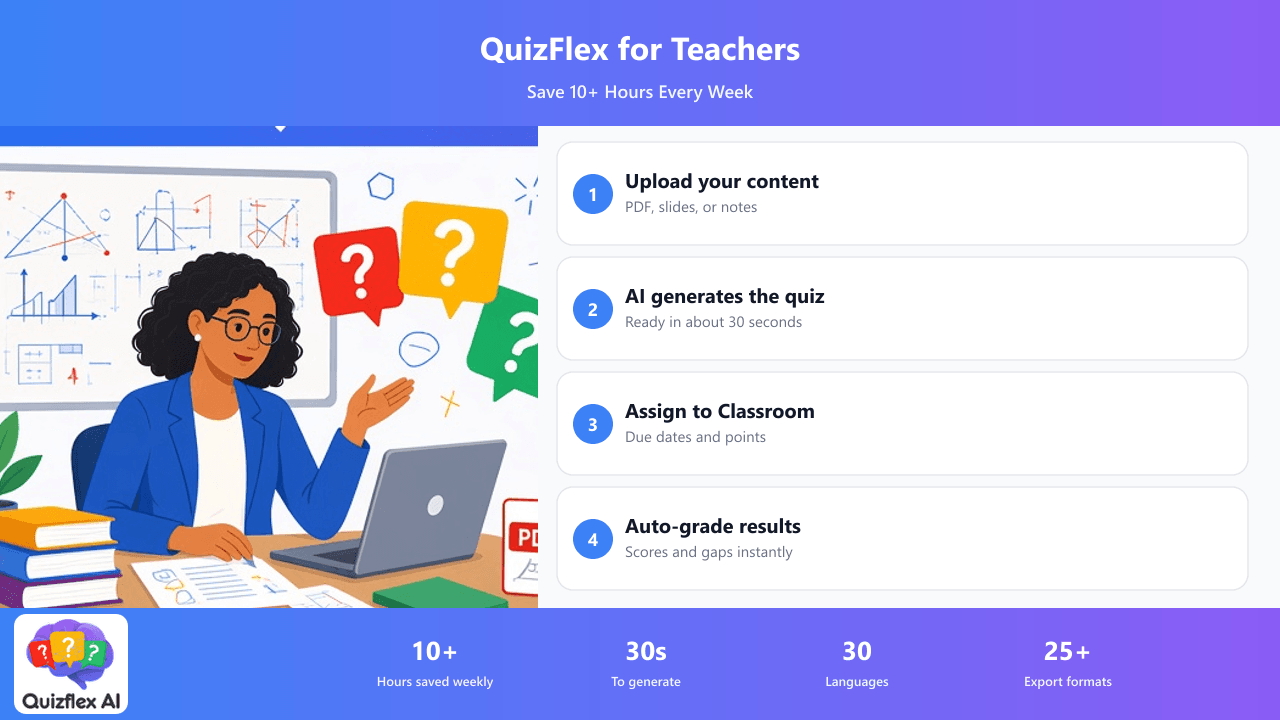
Upload your lesson PDFs, slides, or notes and get a complete, auto-graded quiz in seconds. Assign directly to Google Classroom. Students take it with just their name — no accounts needed.
Learn more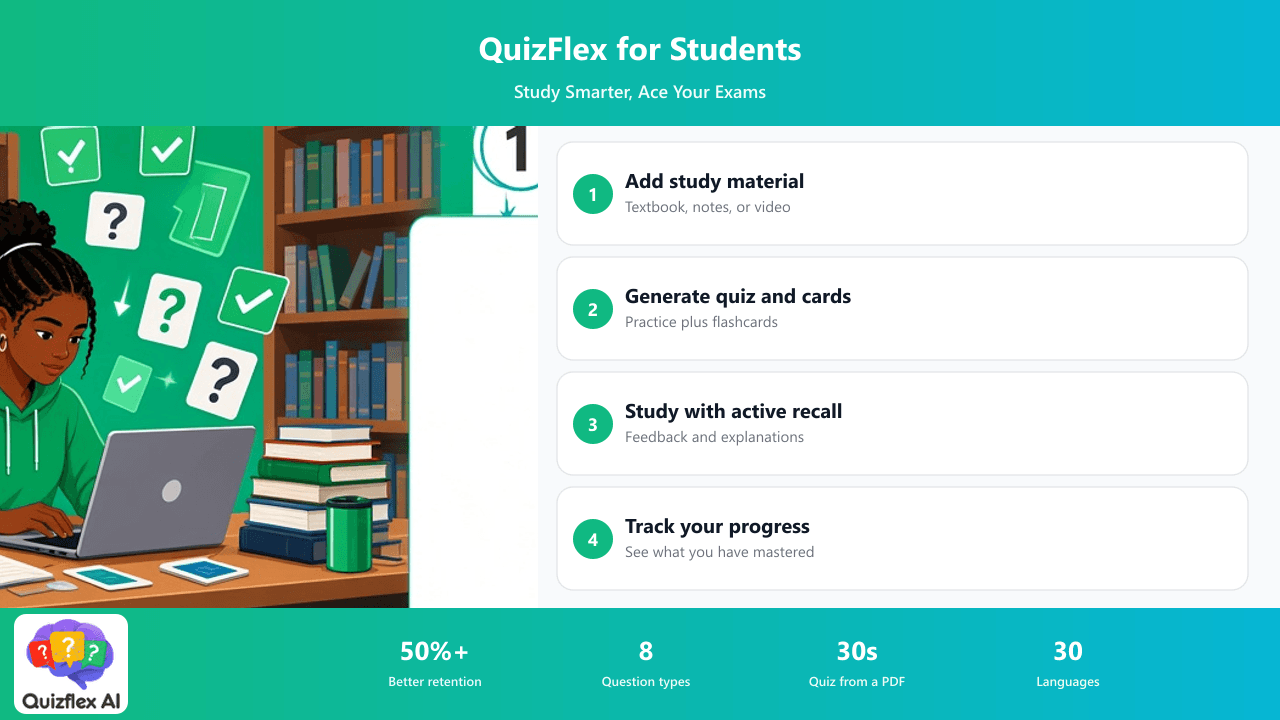
Turn any textbook, lecture notes, or YouTube video into flashcards and practice quizzes. Active recall and spaced repetition built in — the methods proven by learning science.
Learn more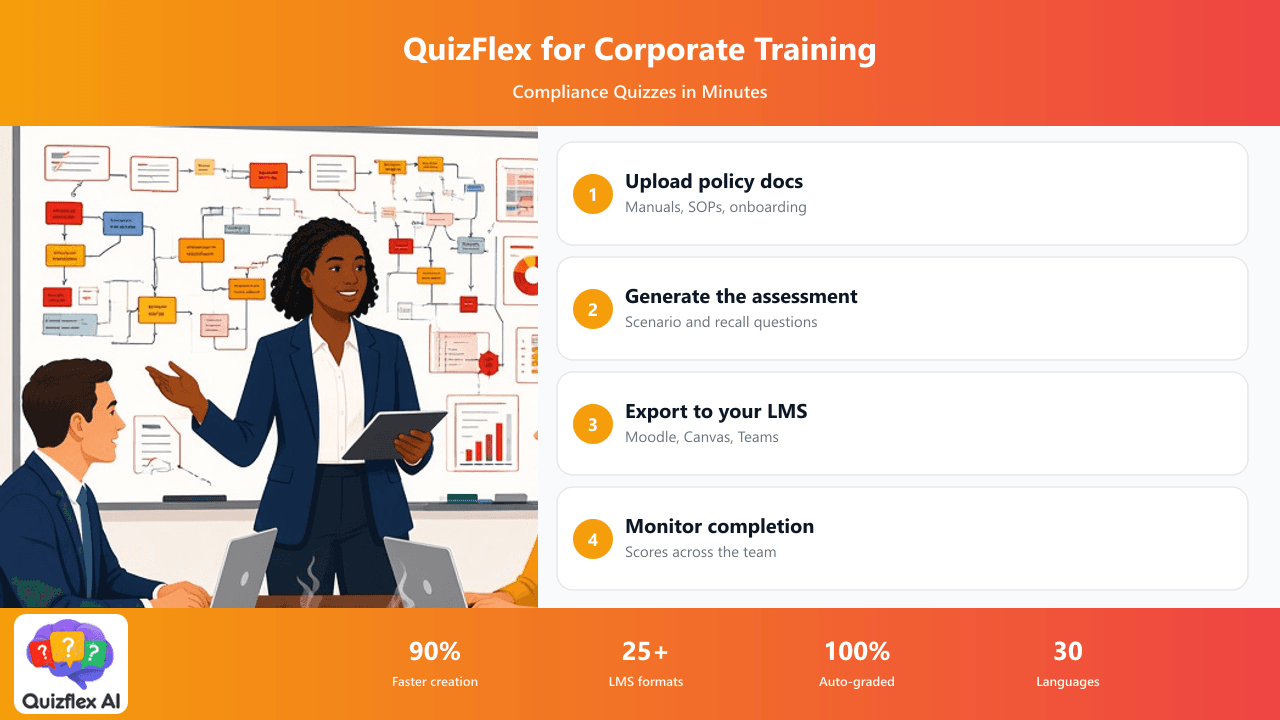
Create assessments from policy documents, onboarding manuals, or SOPs. Export to your LMS. Track completion and scores across your team with built-in analytics.
Learn more