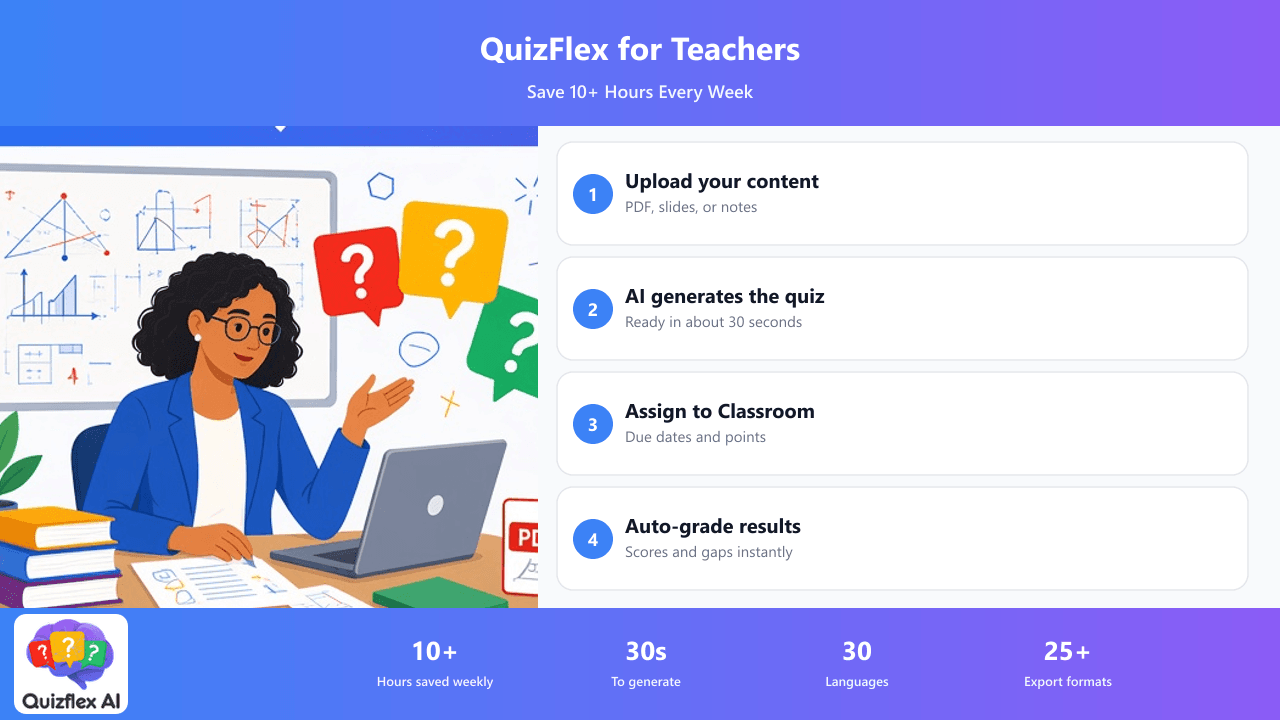
AI Quiz Generator for Teachers — Save 10+ Hours Every Week
Upload your lesson PDFs, slides, or notes and get a complete, auto-graded quiz in seconds. Assign directly to Google Classroom. Students take it with just their name — no accounts needed.
The Challenges Teachers Face
Sound familiar? QuizFlex AI solves each of these problems.
Hours spent writing quizzes
Creating quality assessments from scratch eats into lesson planning, grading, and personal time. Most teachers spend 3-5 hours per week just on quiz creation.
Students need accounts
Other quiz platforms require every student to create an account, causing friction and wasted class time on tech setup.
Manual grading backlog
Paper quizzes pile up. Digital quizzes with open-ended questions still need manual review. The feedback loop is too slow for effective learning.
Disconnected from your LMS
Creating quizzes in one tool and manually copying them to Google Classroom, Canvas, or Moodle is tedious and error-prone.
How QuizFlex AI Helps Teachers
AI generates from your content
Upload any PDF, slides, or text. AI creates MCQ, true/false, fill-in-the-blank, matching, and short answer questions tailored to your material.
One-click Google Classroom
Assign directly to any Classroom course with due dates, max points, and publish/draft options. Students click and take — no QuizFlex account needed.
Auto-grading + analytics
Instant grading for all question types. View score distributions, identify knowledge gaps, and track progress over time with the analytics dashboard.
Export everywhere
Google Forms, Canvas, Moodle, Microsoft Teams, Kahoot, Quizizz, printable PDF worksheets — export to 25+ formats from a single quiz.
How It Works
Four simple steps to transform your content into assessments.
Upload your content
Drop in a PDF textbook chapter, paste notes, or add a YouTube video URL. Works with any educational content.
Customize quiz settings
Choose question count (up to 100), difficulty level, question types, and language. AI generates in under 30 seconds.
Review and edit
AI questions are editable. Add images, adjust options, reorder, or add your own questions alongside AI-generated ones.
Assign to class
Export to Google Classroom with one click. Set due date, points, and publish. Or share a link, print worksheets, or export to your LMS.
I used to spend my Sunday evenings writing quizzes. Now I upload my slides and have a complete assessment in 30 seconds. The Google Classroom integration is seamless — my students just click and go.
Frequently Asked Questions
Can I assign QuizFlex quizzes to Google Classroom?
Yes! When you export a quiz, choose "Google Classroom" or "Google Forms → Classroom". You can set due dates, max points, and choose to publish immediately or save as a draft. Students take the quiz with just their name — no QuizFlex account needed.
What content can I upload to create quizzes?
You can upload PDFs (textbooks, slides, handouts), paste text or notes, add YouTube video URLs, or record voice notes. AI analyzes the content and generates relevant questions.
Is QuizFlex free for teachers?
Yes! The Free plan includes AI quiz generation, Google Classroom integration, analytics, worksheets, export, and sharing — all with 50K credits per month. No credit card required.
Can students take quizzes without creating accounts?
Yes! When you assign via Google Classroom or share a link, students enter just their name to start. No signup, no email, no password. Results are tracked and visible in your analytics dashboard.
Create Your First Quiz in 30 Seconds
Join thousands of teachers who save 10+ hours every week with AI-generated quizzes. Free plan includes Google Classroom integration. No credit card required.
Explore Other Use Cases
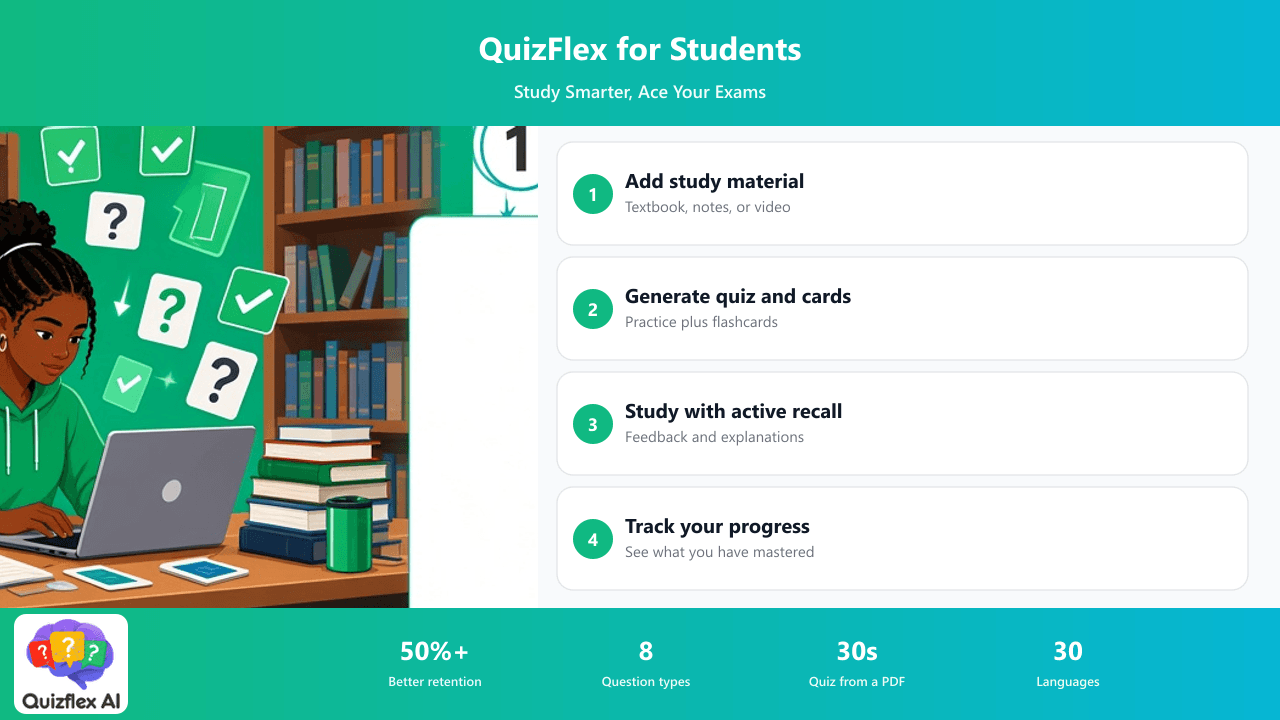
Turn any textbook, lecture notes, or YouTube video into flashcards and practice quizzes. Active recall and spaced repetition built in — the methods proven by learning science.
Learn more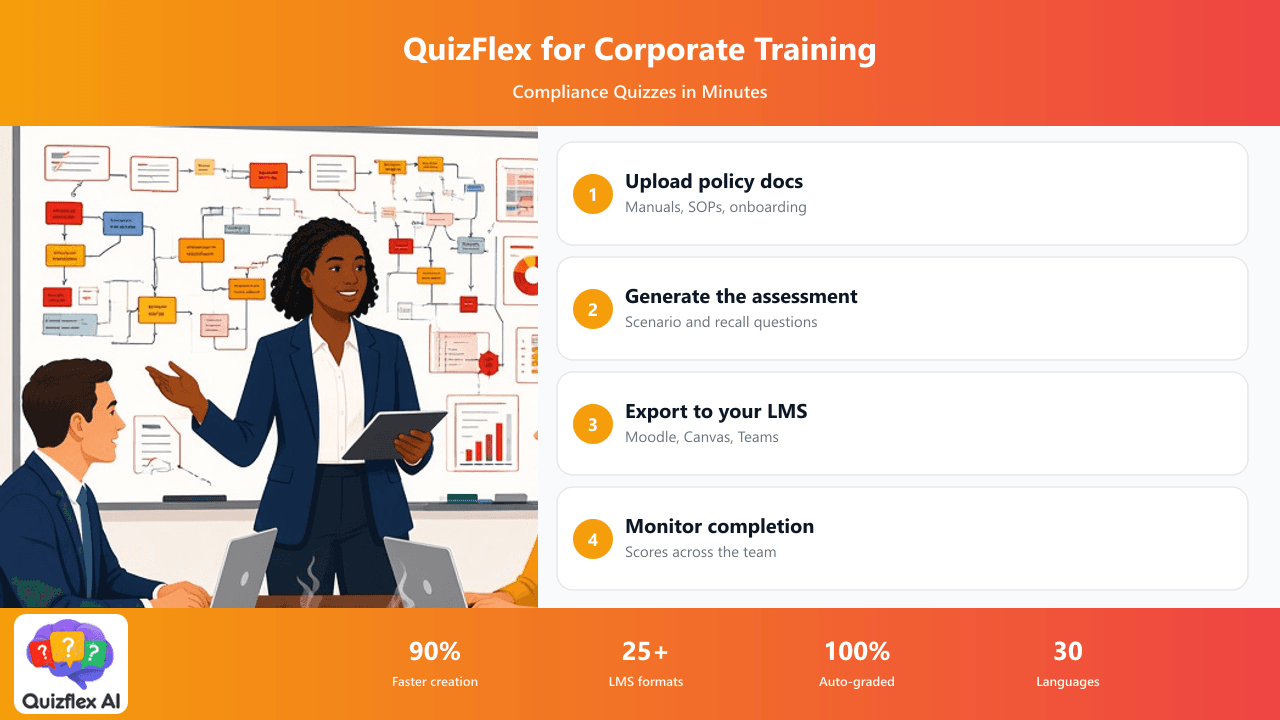
Create assessments from policy documents, onboarding manuals, or SOPs. Export to your LMS. Track completion and scores across your team with built-in analytics.
Learn more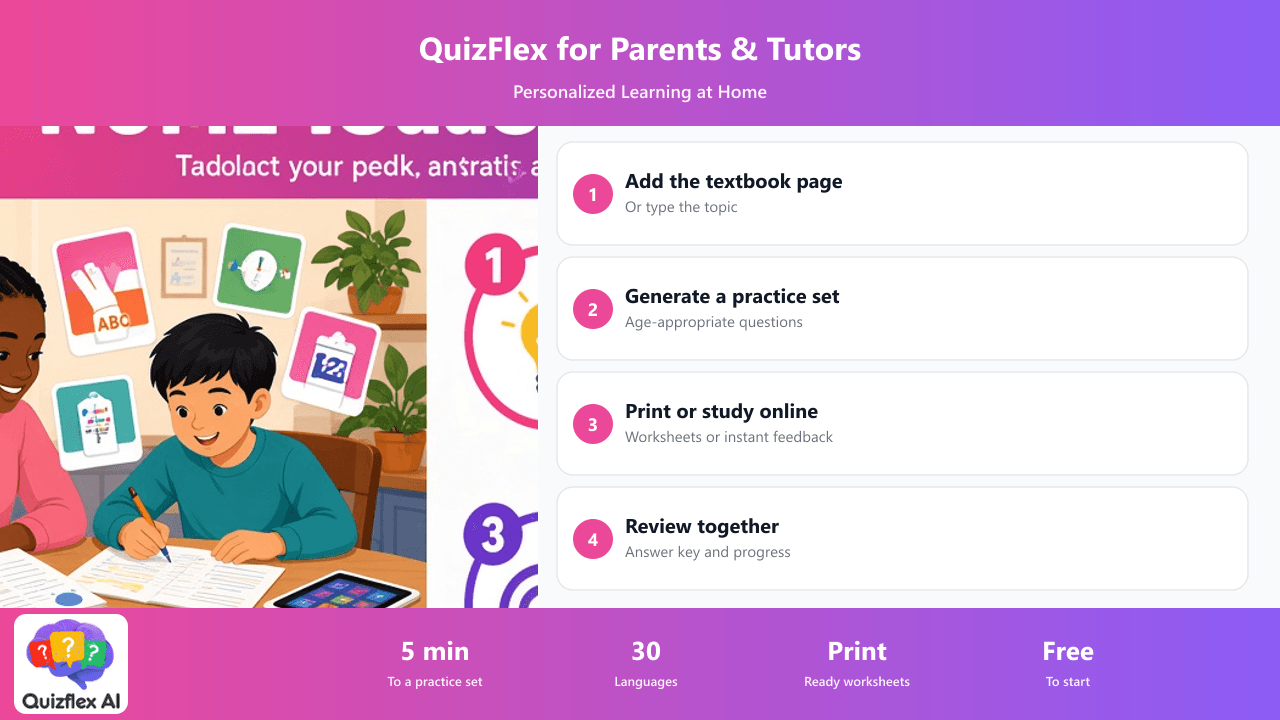
Generate quizzes from your child's textbook or any topic. Print worksheets, create flashcards, and track progress. Works in 30 languages for bilingual families.
Learn more