AI Study Tool for Students — Study Smarter, Ace Your Exams
Turn any textbook, lecture notes, or YouTube video into flashcards and practice quizzes. Active recall and spaced repetition built in — the methods proven by learning science.
The Challenges Students Face
Sound familiar? QuizFlex AI solves each of these problems.
Passive re-reading doesn't work
Highlighting and re-reading feel productive but research shows they're the least effective study methods. Active recall is 2-3x more effective.
Making flashcards takes forever
Creating quality flashcards from a 50-page chapter takes hours. Most students give up or make shallow cards that don't help.
No way to test yourself
Practice tests are the #1 evidence-based study method, but students rarely have access to enough practice questions for their specific material.
Studying in your language
International students and bilingual learners need study tools that work in their native language, not just English.
How QuizFlex AI Helps Students
Instant practice quizzes
Upload your textbook chapter or paste your notes. AI generates practice questions in multiple formats — MCQ, fill-in-blank, matching, and open-ended.
AI flashcards with spaced repetition
Auto-generate flashcards from any content. Built-in spaced repetition scheduling optimizes review timing based on how well you know each card.
Practice mode with explanations
Take quizzes in practice mode — get instant feedback on each question with detailed AI-generated explanations of why each answer is correct or wrong.
Study in 30 languages
Generate quizzes and flashcards in your native language. Perfect for bilingual students and international learners studying in a second language.
How It Works
Four simple steps to transform your content into assessments.
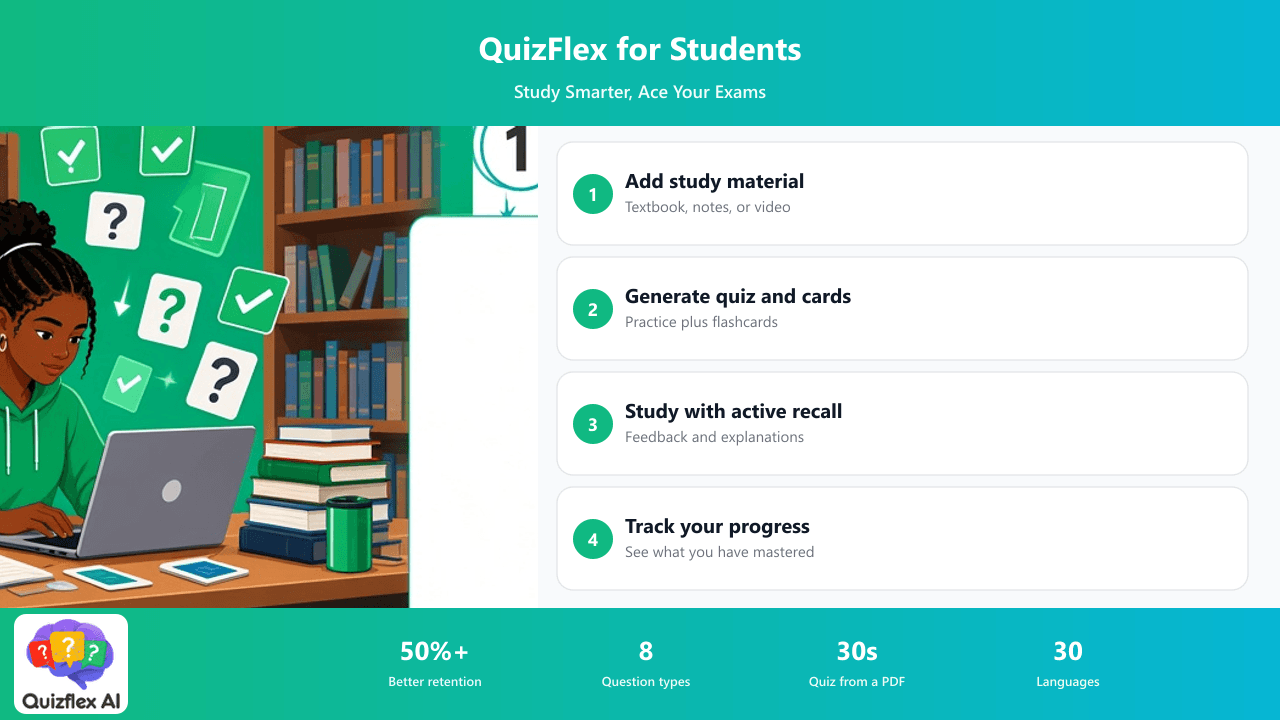
Add your study material
Upload a PDF, paste notes, or add a YouTube lecture URL. AI processes any educational content.
Generate quiz & flashcards
Choose how many questions and what types. AI creates a personalized practice set from your material.
Study with active recall
Take practice quizzes, flip flashcards, and get AI explanations. Spaced repetition schedules your reviews optimally.
Track your progress
Analytics show which topics you've mastered and where you need more practice. Focus your time where it matters.
I uploaded my organic chemistry textbook and had 200 flashcards and 50 practice questions in under 2 minutes. My grades went from B- to A after using QuizFlex for one semester.
Frequently Asked Questions
Can I create flashcards from my textbook PDF?
Yes! Upload any PDF and AI generates flashcards automatically. You can edit, add images, and organize into decks. Built-in spaced repetition schedules reviews at the optimal time.
Is QuizFlex better than Quizlet or Anki?
QuizFlex generates flashcards and quizzes from your content automatically using AI — no manual card creation needed. It also offers 8 question types, practice mode with explanations, and analytics. Quizlet and Anki require you to create every card manually.
Can I study in my native language?
Yes! QuizFlex supports 30 languages. Generate quizzes and flashcards in Spanish, French, German, Chinese, Arabic, Hindi, and 24 more languages.
Does it work with YouTube lectures?
Yes! Paste any YouTube URL and AI extracts the transcript, then generates quiz questions and flashcards from the lecture content. Perfect for flipped classrooms and online courses.
Turn Your Notes Into an A+ Study Plan
Join students who study smarter with AI-generated quizzes and flashcards. Upload your textbook and start practicing in 30 seconds. Free forever.
Explore Other Use Cases
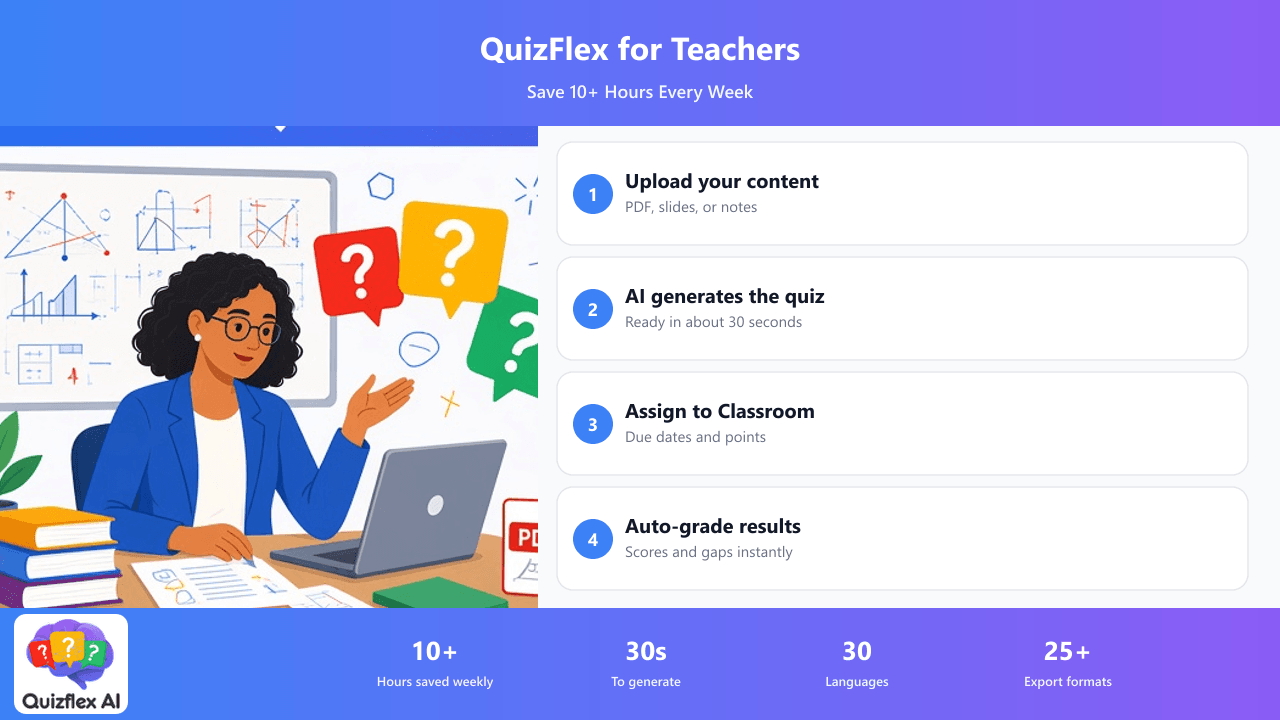
Upload your lesson PDFs, slides, or notes and get a complete, auto-graded quiz in seconds. Assign directly to Google Classroom. Students take it with just their name — no accounts needed.
Learn more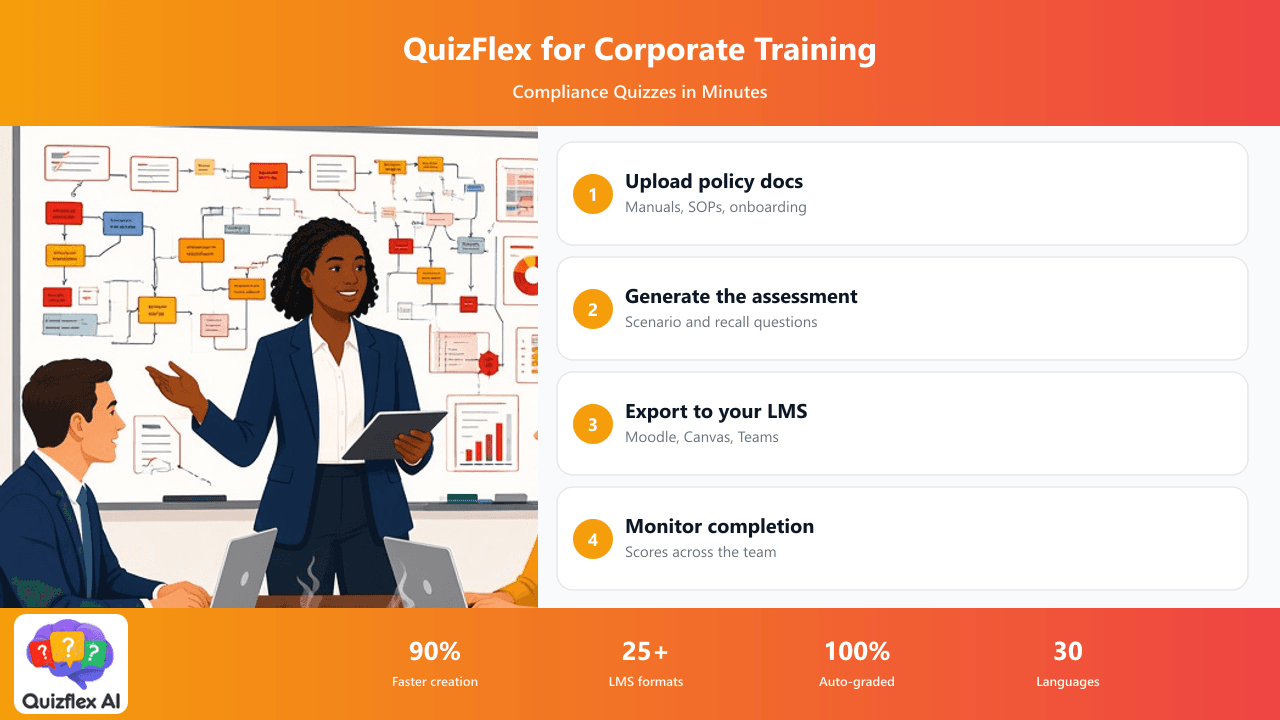
Create assessments from policy documents, onboarding manuals, or SOPs. Export to your LMS. Track completion and scores across your team with built-in analytics.
Learn more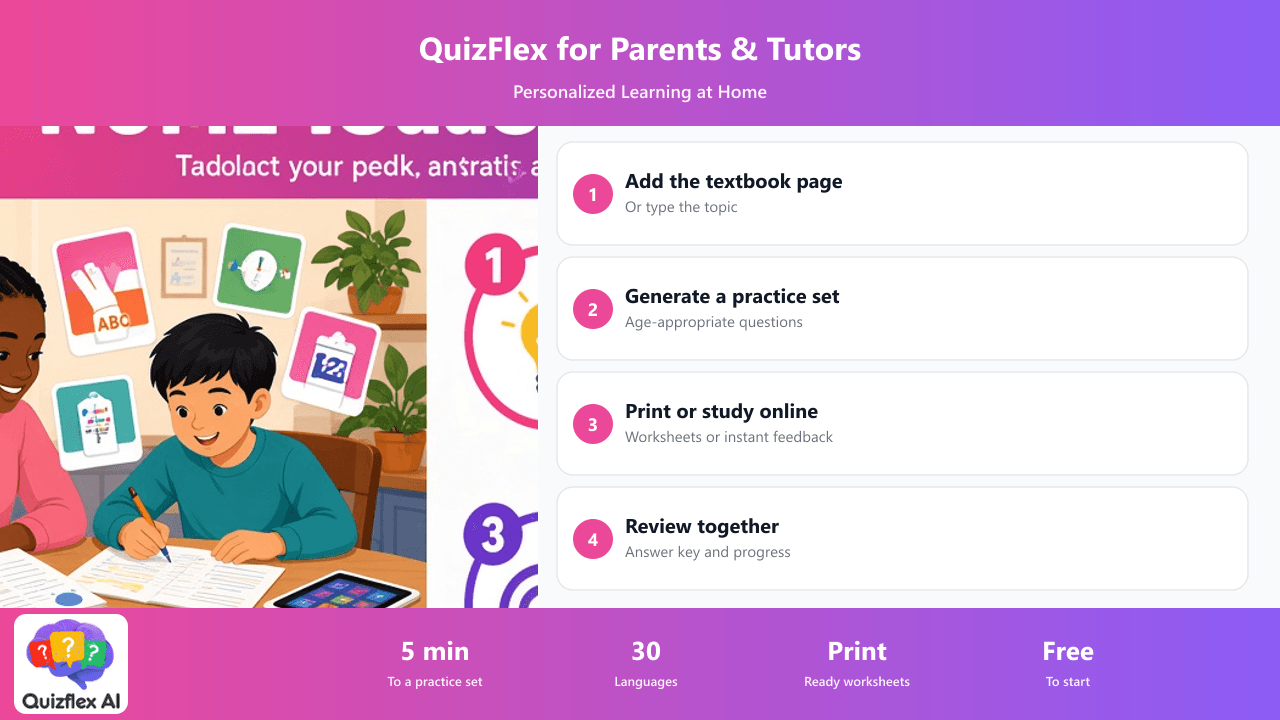
Generate quizzes from your child's textbook or any topic. Print worksheets, create flashcards, and track progress. Works in 30 languages for bilingual families.
Learn more