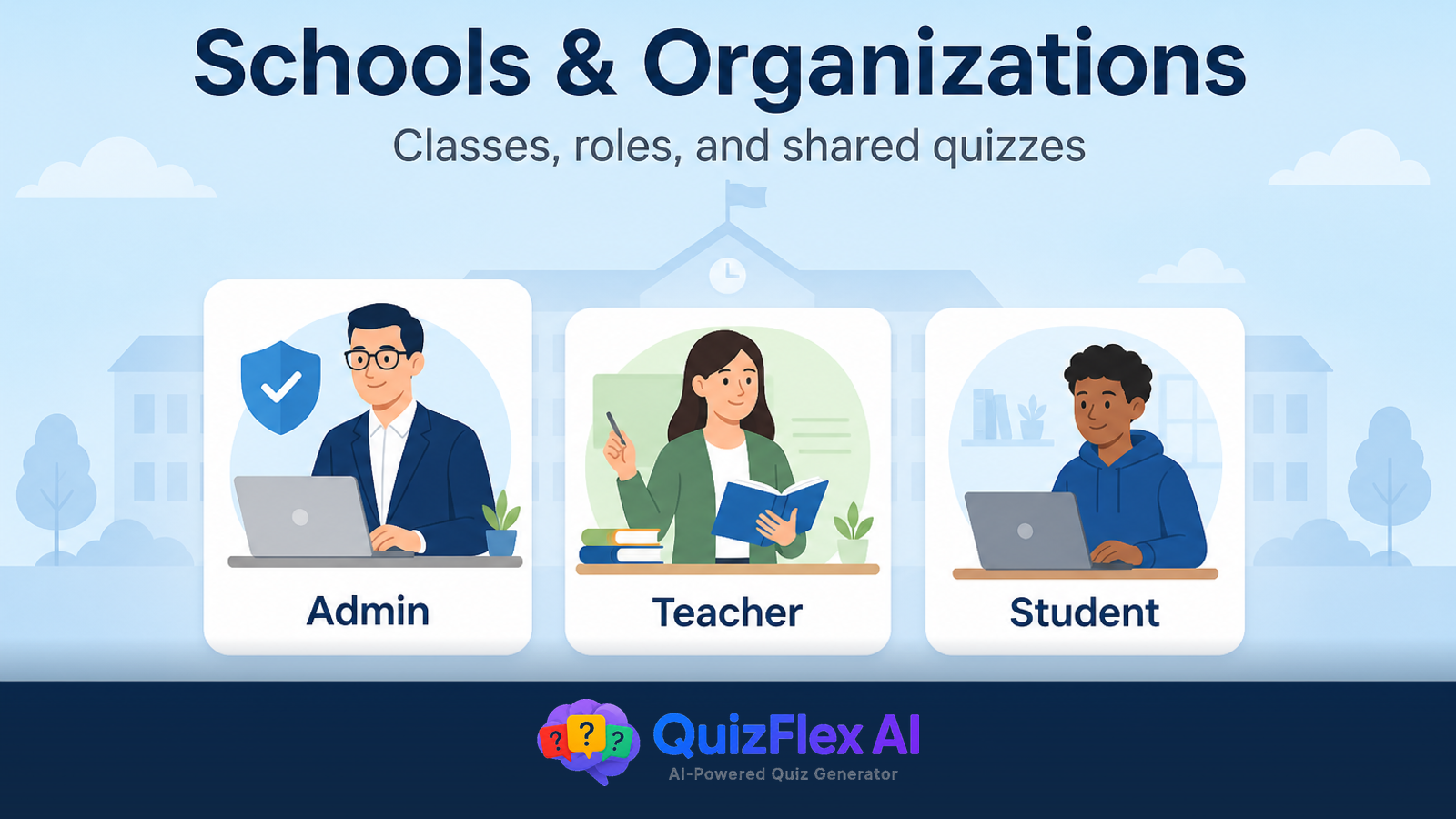
QuizFlex for schools gives admins, teachers, and students a shared workspace for AI-generated quizzes, classes, and progress tracking—while keeping sensitive assessments off the public internet.
Whether you run a K–12 department, tutoring center, or corporate training team, organizations replace ad-hoc share links with durable structure.
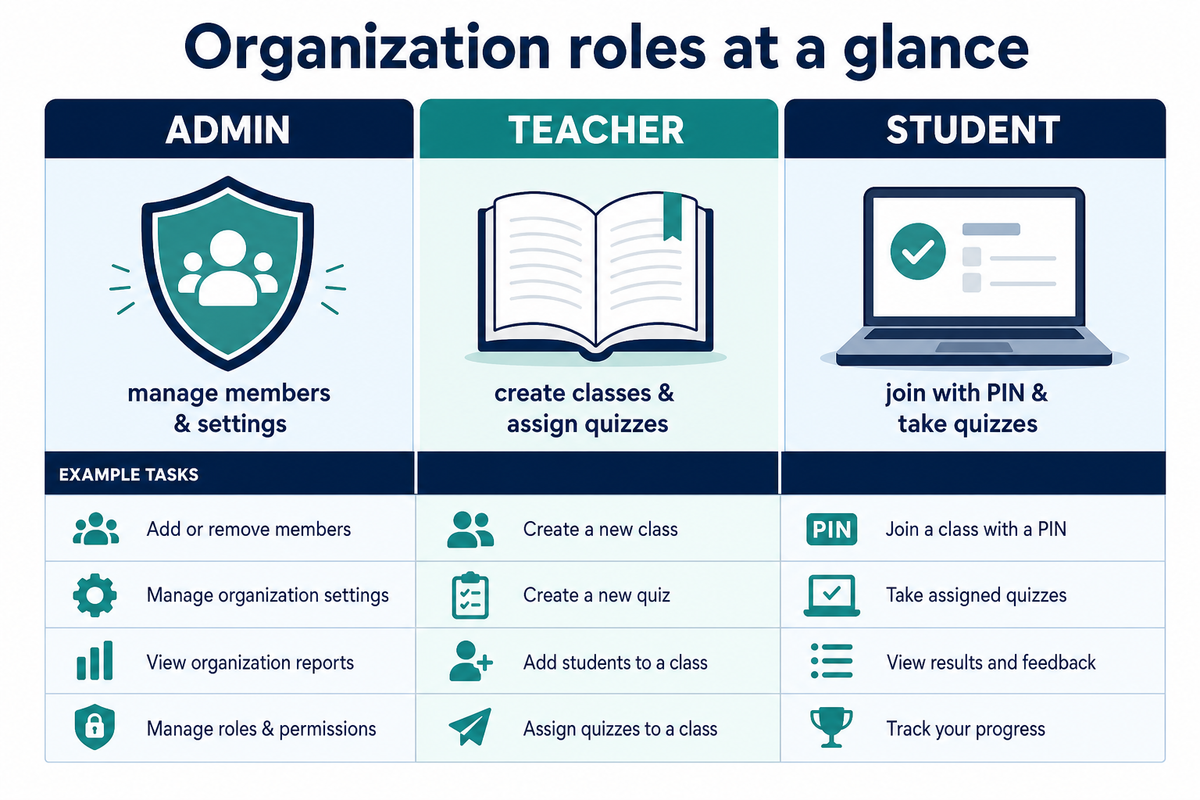
Who gets which role
| Role | Typical jobs |
|---|---|
| Org admin | Invite members, manage settings, oversee content visibility |
| Teacher | Create classes, assign quizzes/flashcards, review analytics |
| Student / member | Join with a code or invite, take assigned work, track progress |
New users pick a path during onboarding—see the onboarding roles guide.
Classes without email chaos
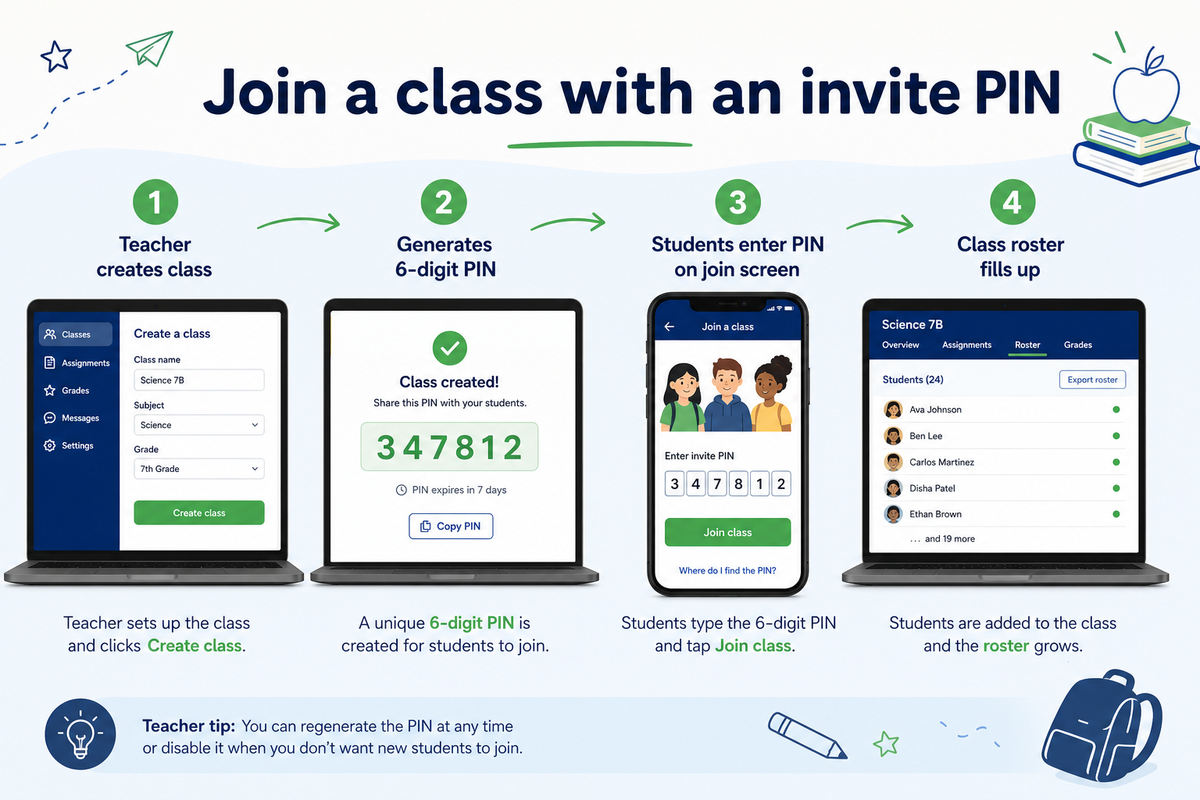
Teachers create a class and share an invite PIN so students join without uploading spreadsheets. Assign AI quizzes and flashcards, then review attempts centrally.
School-scoped content vs public Quiz Gallery
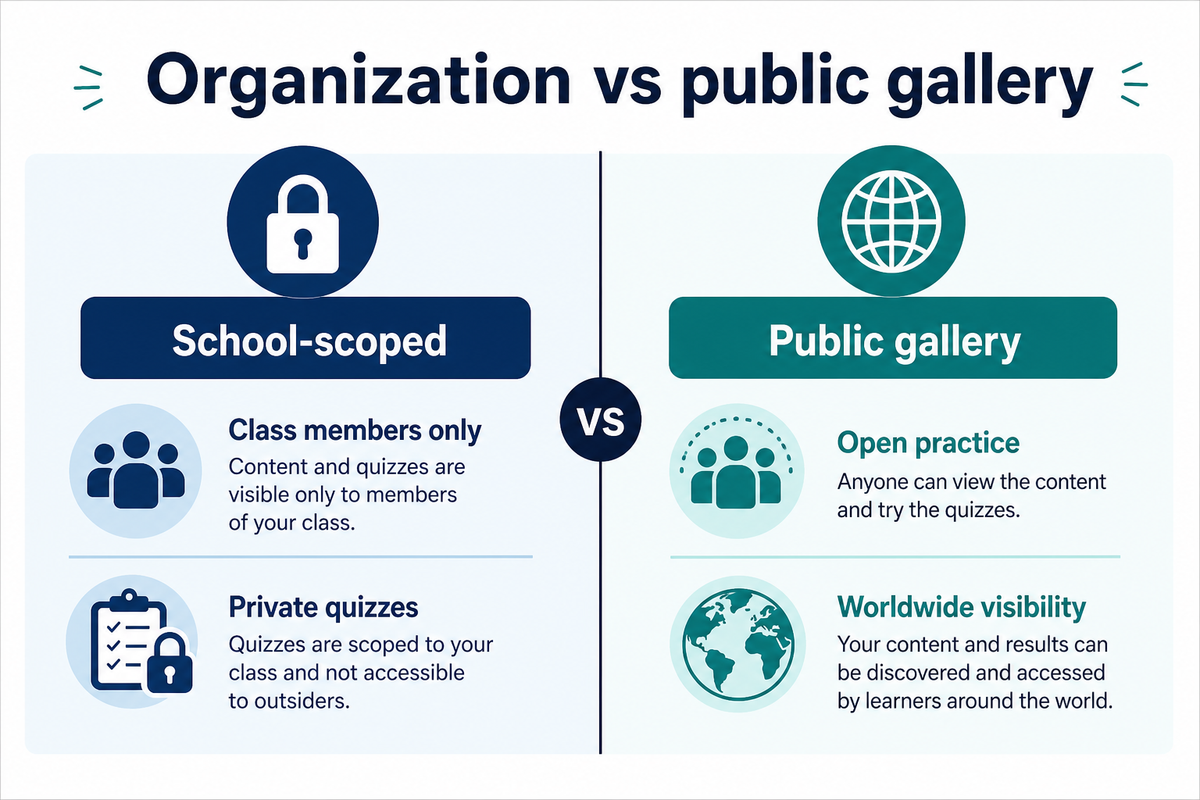
Not every assessment belongs on the open web. Organizations keep quizzes private to your school while using the same AI engine. Publish to the Quiz Gallery only when you want open practice.
Getting started this term
- Create or join your organization.
- Invite teachers; have them create classes.
- Generate quizzes from PDFs with PDF to quiz.
- Assign to classes with due dates.
Frequently asked questions
Is QuizFlex free for schools?
QuizFlex offers a free tier for core quiz generation and classroom tools; see pricing for team and volume needs.
Can multiple teachers share one organization?
Yes. Org admins invite teachers; each teacher manages their own classes and assignments.
How is this different from Kahoot or Quizizz?
QuizFlex emphasizes AI quiz creation from PDFs and topics, class assignment with analytics, and optional public gallery—see Kahoot alternatives.
Topics covered
- Schools
- Organizations
- Teachers
- Classes
- EdTech
- QuizFlex
- School Admin
- school quiz platform
- teacher student roles LMS
- class quiz management
Frequently asked questions
What is a QuizFlex school organization?
What roles exist in QuizFlex organizations?
Stay in the Loop
Get weekly tips on AI-powered learning, quiz strategies, and product updates. No spam, unsubscribe anytime.
How to Assign AI Quizzes to Your Class: Due Dates, PINs & Progress Tracking
PDF to Quiz AI Free: Turn Textbooks & Handouts into Quizzes in Seconds
Related Articles
Continue learning with these related posts
How to Assign AI Quizzes to Your Class: Due Dates, PINs & Progress Tracking
Teacher guide: create a QuizFlex class, share an invite PIN, assign AI-generated quizzes with due dates, and track student scores - free classroom quiz workflow step by step.
Formative Assessment With AI Quizzes: A Teacher Playbook
Use low-stakes AI quizzes for exit tickets, misconception checks, and re-teaching signals - without doubling your grading load.
Teacher vs. Student: The Complete Guide to Classes, Quizzes, and Progress Tracking in QuizFlex
A step-by-step walkthrough for teachers and students on how to create classes, assign quizzes, take quizzes, and track progress in QuizFlex. Learn how both roles work together inside the classroom experience.